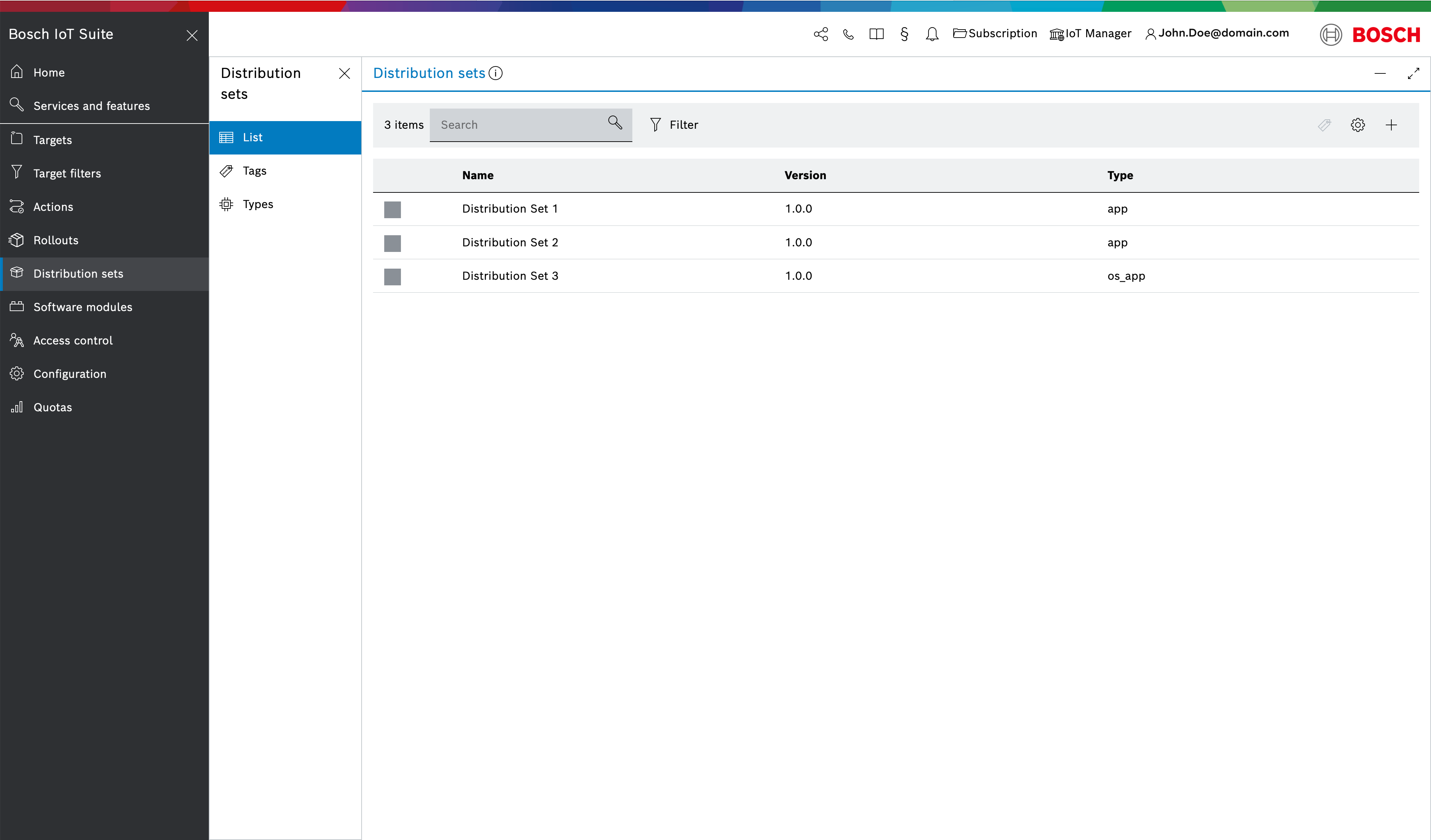
All existing distribution sets will be automatically listed once you navigate to Distribution sets from the main navigation menu.
Through the sub-navigation menu that appears on the left you can choose between:
- Listing the existing distribution sets.
- Listing the existing distribution set tags.
- Listing the existing distribution set types.
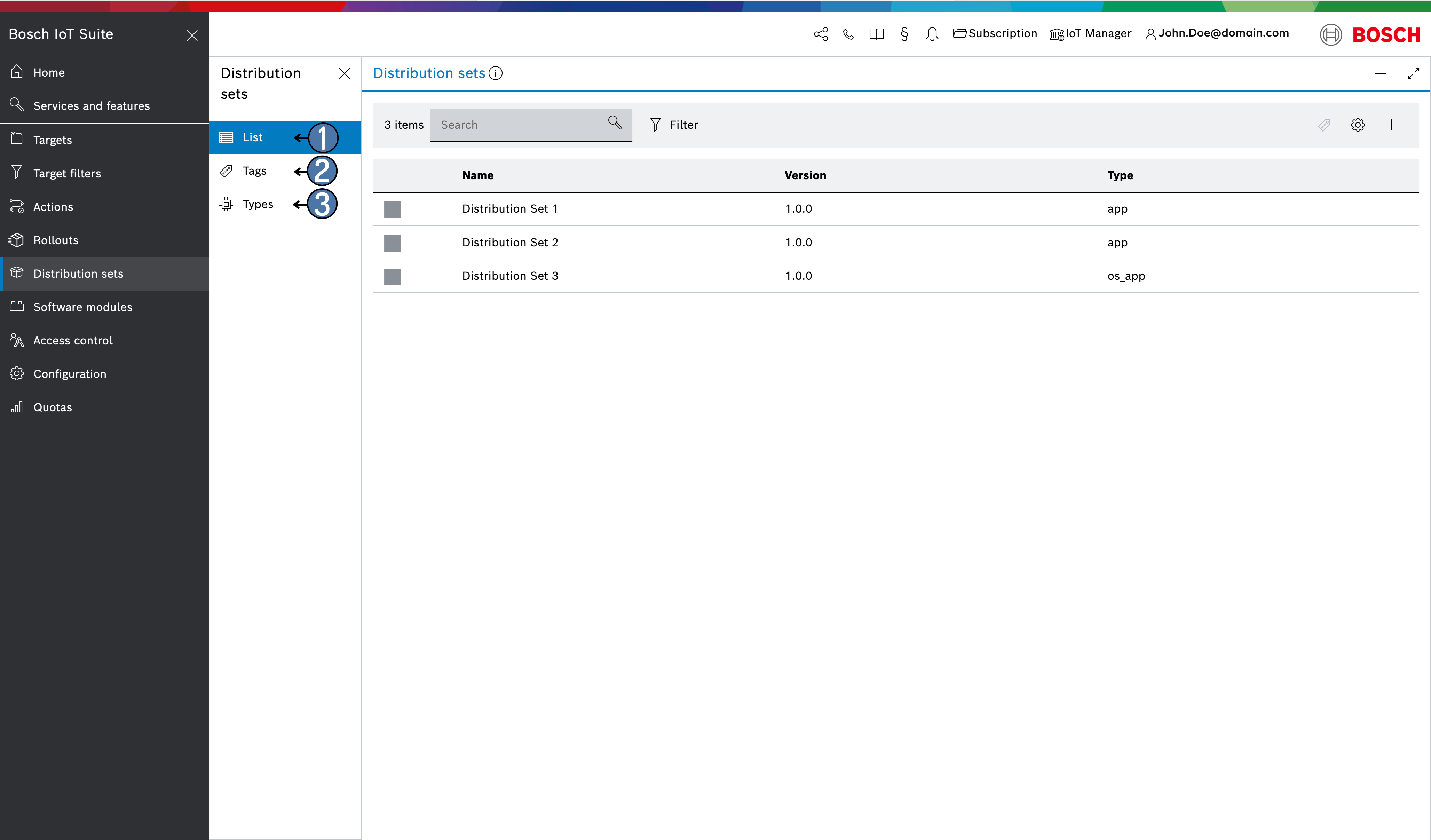
List distribution sets
By default, the list displays only the mandatory information fields for each distribution set (i.e. Name, Version, and Type).
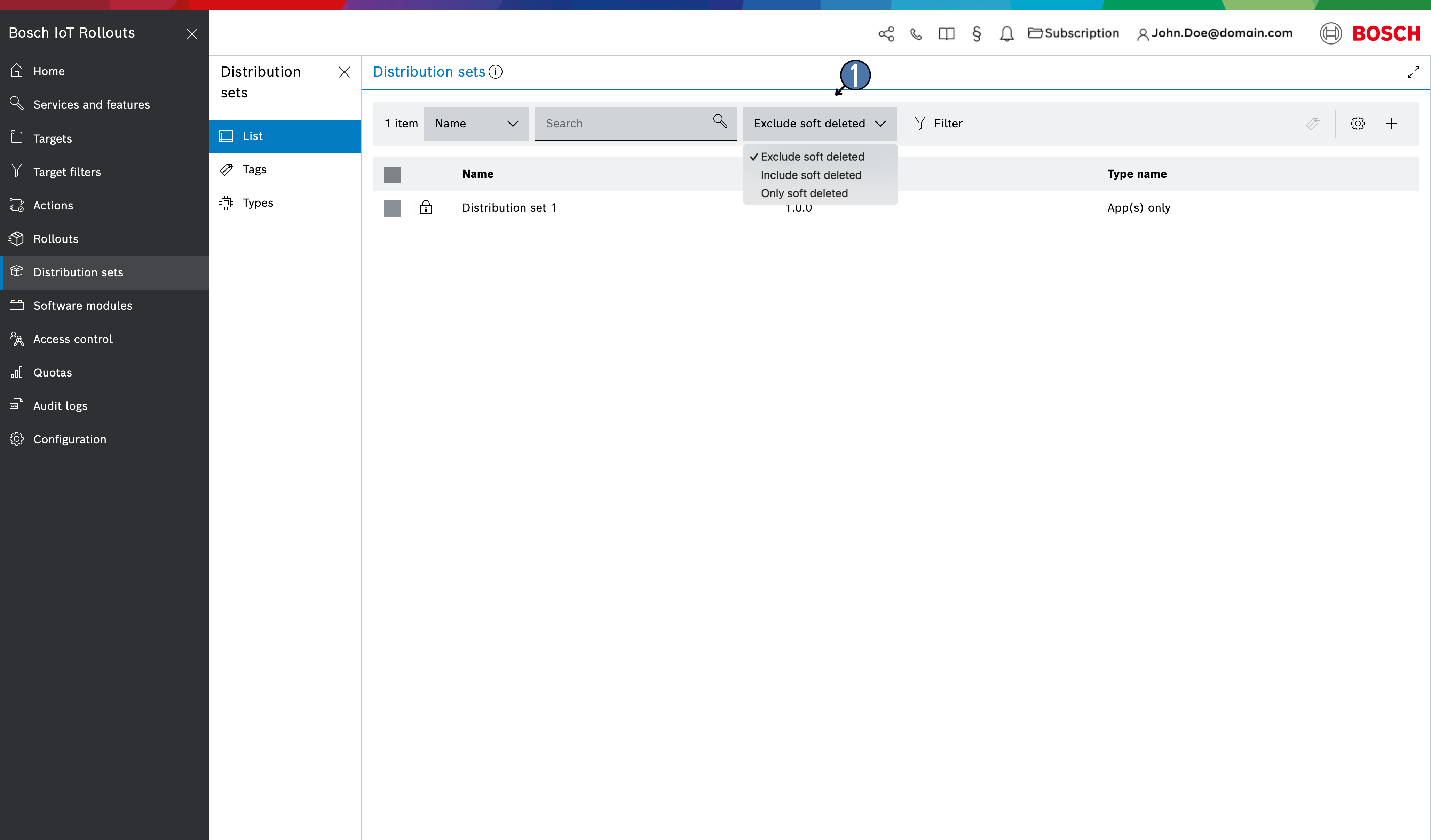
Soft Entity Deletion Filter
The Soft Entity Deletion selector controls whether soft-deleted Distribution Set are included in the list.
A soft-deleted Distribution Set is not permanently removed from the system. Instead, it is marked as deleted and hidden from the default view while remaining available for auditing, inspection, or potential recovery.
The available options are:
- Exclude soft deleted (default) - Displays only active Distribution Set.
- Include soft deleted - Displays both active and soft-deleted Distribution Sets.
- Only soft deleted - Displays only Distribution Sets that have been soft deleted.
This filter affects visibility only and does not modify or restore any Distribution Set.
You can display additional columns via the configuration icon  in the top right area of the distribution set list.
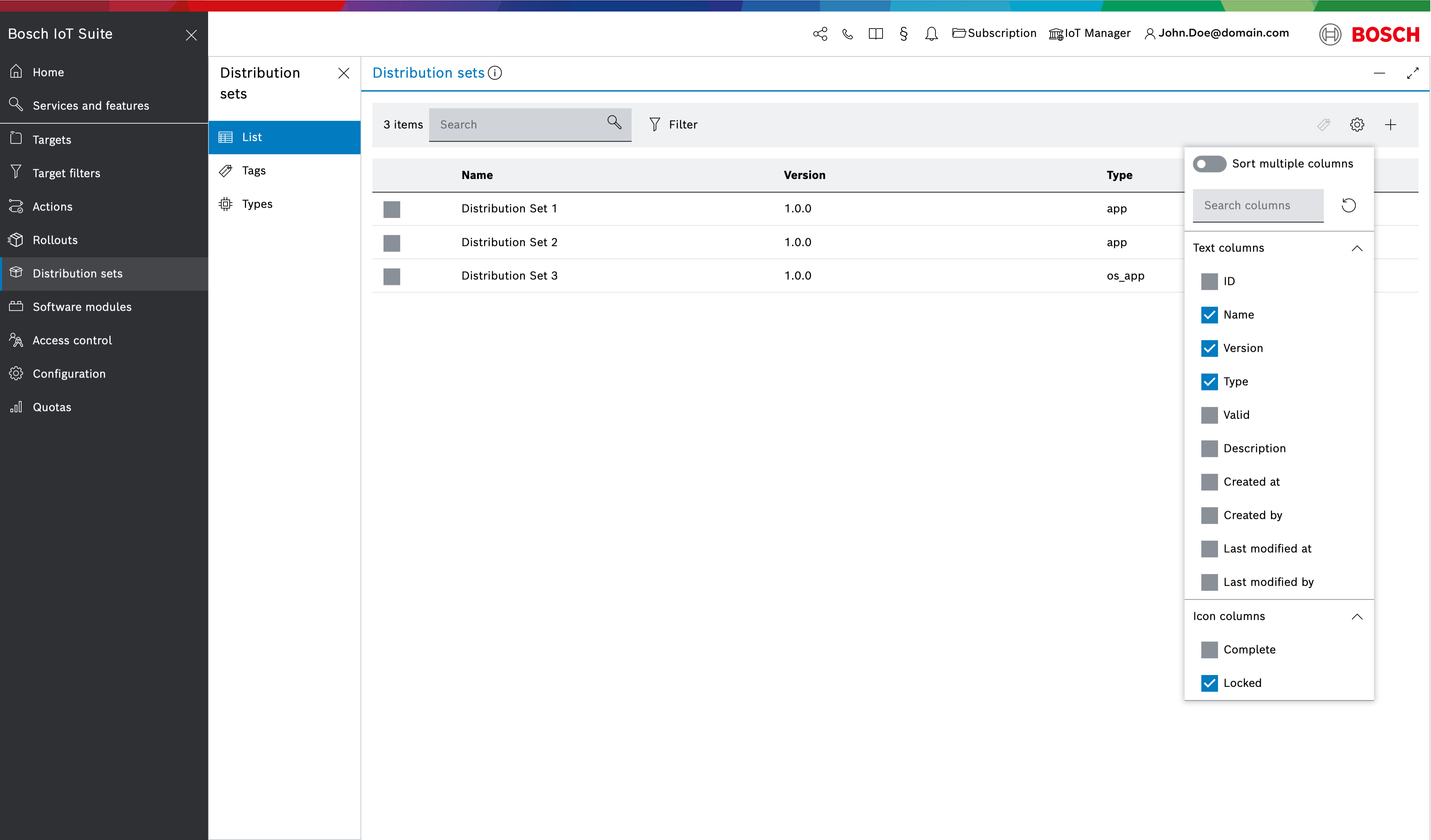
You can also search for a specific column and toggle the Sort multiple columns option.
You have the option to reset the columns to the default view via the reset icon  .
.